Facebook Character Limits: Posts, Bios & Comments
You paste a long announcement into Facebook, hit Post, and the feed shows only the first few lines. Or you write a careful bio and Facebook stops you at barely one sentence. Both surprises come from the same fact: Facebook does not have one character limit. Each box on Facebook has its own, and the number that matters most is rarely the big one.
Quick answer
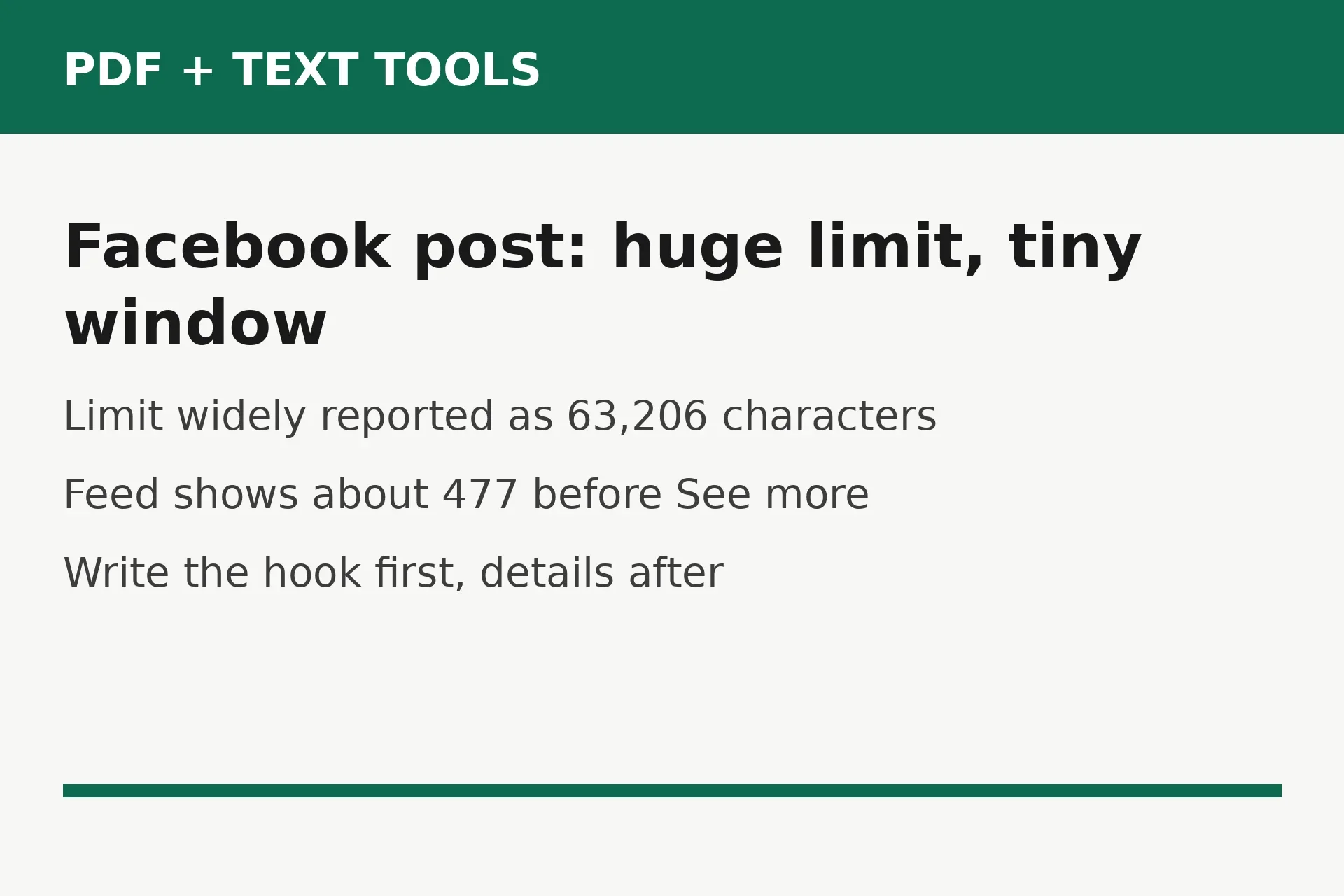
A Facebook post holds up to 63,206 characters, a comment up to 8,000, and your personal profile bio just 101. A Page name holds 75 characters and a profile name 50. The catch is visibility: the feed shows only about the first 477 characters of a post on desktop, and less on a phone, before hiding the rest behind See more. Put your main point in the first two or three lines.
Every Facebook limit at a glance
Use this table as your cheat sheet. The post and comment figures are the ones people hit most, while the bio and name fields are where short drafts get cut off without warning.
| Field | Limit | What to remember |
|---|---|---|
| Post (profile, Page, or group) | 63,206 characters | Widely reported; Facebook does not publish this figure in its Help Center |
| Visible in feed before See more | About 477 characters on desktop | Less on mobile; varies by device and post format |
| Comment | 8,000 characters | Applies to top-level comments and replies |
| Profile bio (Intro) | 101 characters | One short sentence, plain text, no clickable link |
| Page short description | 155 characters | Shown in search and on hover; some guides quote 255 for the About field |
| Page About (full description) | 255 characters | Only about the first 155 display before it is cut |
| Page name | 75 characters | Must follow Facebook naming rules |
| Profile name | 50 characters | First and last name combined |
| Username | 5 to 50 characters | The handle in your profile or Page link |
| Messenger message | 20,000 characters | Far more than a normal message ever needs |
| Ad primary text (recommended) | 125 characters | A recommendation from Meta, not a hard cap |
| Ad headline (recommended) | 40 characters | 27 characters on Facebook Feed placements |
When guides disagree on a Page field, trust the counter on your own screen: it is the number that counts for your account.
Posts: the 63,206 number, explained honestly
Almost every Facebook limits chart prints 63,206 as the post limit, and in practice that is the number Facebook enforces when you type a very long post. But here is the honest part: Facebook does not publish a post text limit in its Help Center, and its developer reference describes the post message field without a length cap. A check of Meta and Facebook pages in October 2026 found no official page stating 63,206.
That does not make the number wrong. Treat it as the widely reported working limit, not a promise printed by Meta. It hardly matters in practice: almost nobody writes a 63,000-character post, roughly 10,000 words. If you do hit the ceiling, split the post, or move the long version to a linked article and keep the Facebook post as the summary.
What counts toward the limit? Everything you type: letters, numbers, punctuation, spaces, line breaks, hashtags, mentions, and emoji. An emoji can count as more than one character depending on encoding, so count the finished text, not your guess at it.
What viewers actually see before See more
The limit is not the number that shapes your post. The truncation point is. On desktop, Facebook folds a post behind See more after roughly 477 characters. On a phone the fold comes sooner, often around 240 to 300 characters, because the screen is narrower and the feed shows fewer lines. The exact point shifts with device and post format, so treat 477 as a guide, not a guarantee.
This is why long posts underperform even when they are well written. Most people scroll past without tapping See more, so anything after the fold is read by a small share of your audience. The fix is structural, not shorter writing for its own sake. Put the news, the offer, or the question in the first sentence. Put the background, the details, and the link after the fold, where only interested readers need to go.
A practical test: read only the first three lines of your draft. If a stranger would not know why the post matters from those lines alone, rewrite the opening. One line of news, one line of why it matters to the reader, then the details. Event posts work the same way: date, place, and cost first.
Bios, names, and Page fields
The bio is where Facebook is strictest. Your personal profile Intro, the short bio under your name, holds just 101 characters. That is shorter than a single tweet used to be, and it is plain text, so a link pasted there is not clickable. You get one clear sentence. The strongest bios name what you do and who it helps, in plain words. "Marketing consultant helping small shops sell online." tells a visitor in one glance whether to follow or move on.
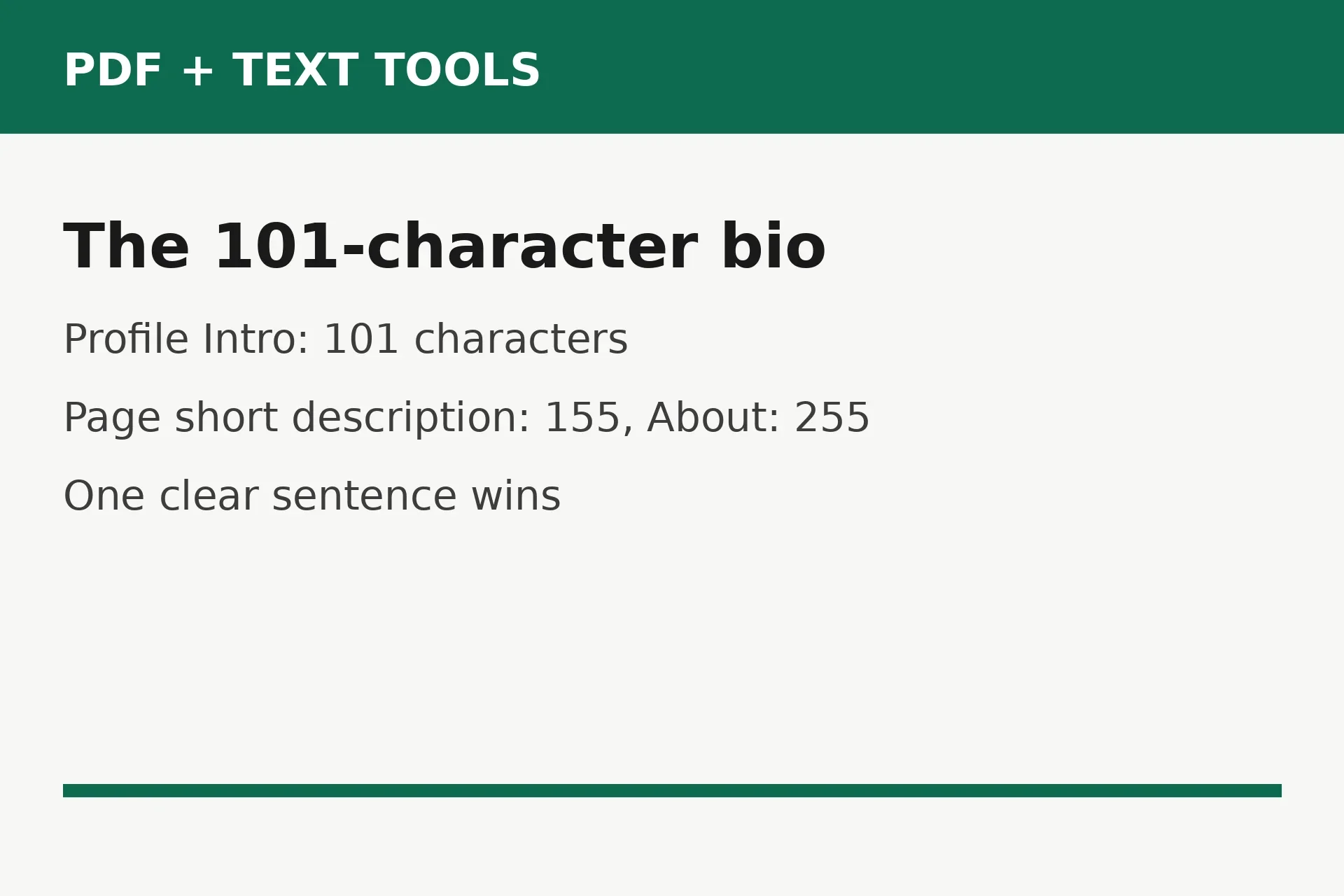
Pages get more room, but guides quote different numbers for the fields. The common picture is a short description of 155 characters, shown in search results and on hover, and a full About field of 255, of which only about the first 155 display before it is cut. Some guides swap the two. If your Page editor shows a different counter, follow your editor, and put the essential line inside the first 155 characters either way.
Names have their own caps. A profile name allows 50 characters for first and last name combined, a Page name 75, and a username between 5 and 50. These fields are also the ones Facebook polices for naming rules, so a Page name stuffed with keywords or symbols can be rejected even when it fits the count. Keep names clean and close to the real name people search for.
Comments and Messenger messages
Comments hold up to 8,000 characters, for top-level comments and replies alike. That is generous, about 1,300 words. The real limit on comments is attention, not characters: a very long comment under someone else's post rarely gets read in full. For announcements that need room, write a post. For discussion, keep comments short.
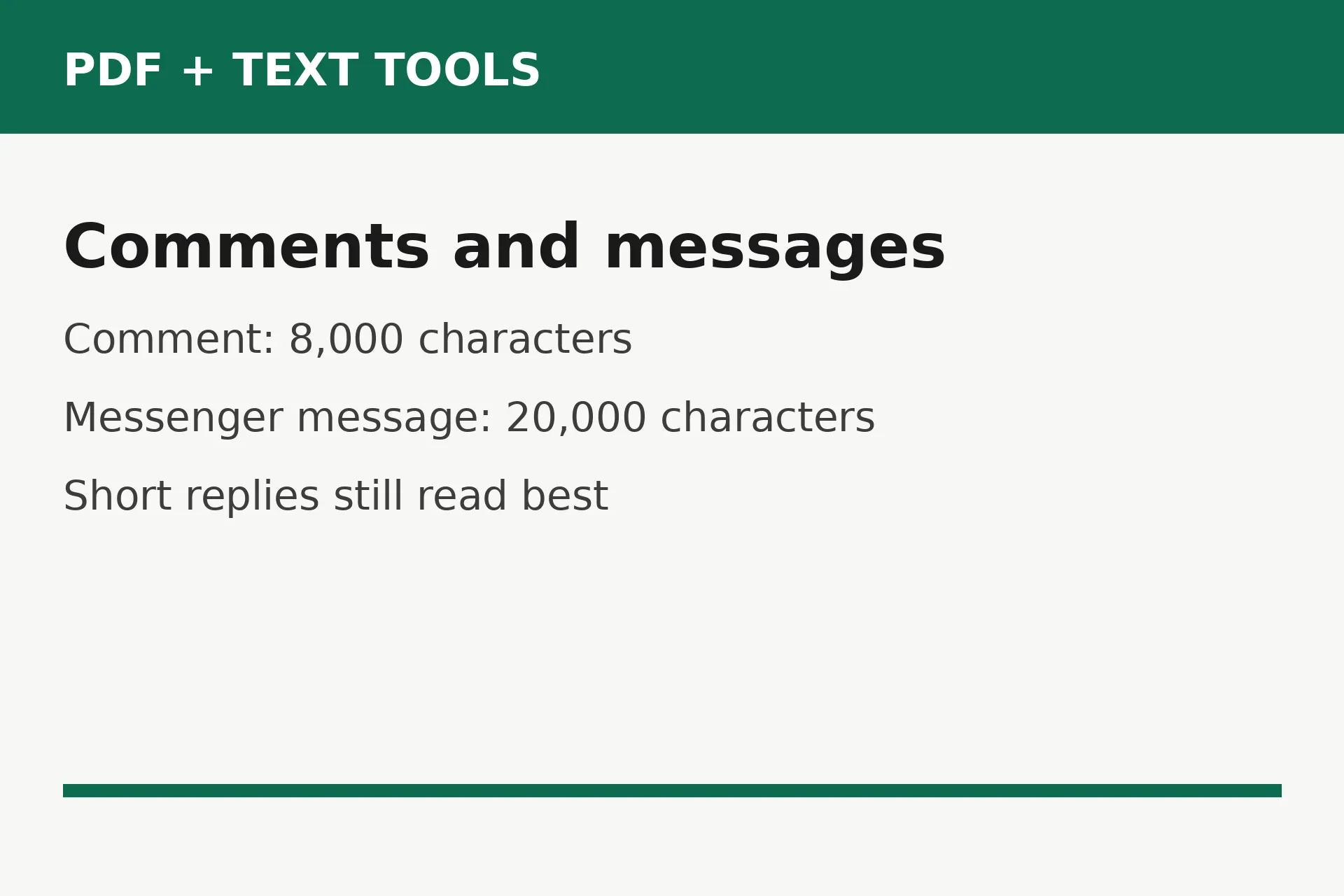
Messenger messages allow up to 20,000 characters each. Again, the practical limit is the reader: a message that long arrives as a wall of text on a phone. Break long messages into short paragraphs, and lead with what you need from the other person.
Ads: recommendations, not hard limits
Facebook ads work differently from organic posts. Meta does not publish a hard maximum for ad primary text. Instead, its creative guidance recommends 125 characters of primary text, 40 for the headline, and 25 for the description on most placements, with 27 for the headline on Facebook Feed. Longer ad text is accepted but truncated on smaller screens.
The practical rule for ads is to design for the recommendation and treat the rest as overflow. Put the offer and the action in the first 125 characters of primary text and the first 40 of the headline. If you write past those marks, check the ad preview on a phone-sized screen before you spend anything. A headline that reads well on desktop and cuts off mid-word on mobile is a wasted impression.
Do not mix the two systems up: the 63,206 figure on ad spec charts is the organic post limit, not an ad rule.
The ideal length is far shorter than the limit
The limit tells you what Facebook allows, not what readers enjoy. The most quoted guidance for organic posts is 40 to 80 characters, drawn from older engagement research that found shorter posts performed better. Those studies are years old, so read them as direction, not law.
The direction still holds. Short posts are easier to read on a phone and harder to misunderstand, but length should match the job. A photo caption can be one line; a fundraiser update can run several paragraphs, as long as the first lines carry the ask.
A simple way to judge a draft: ask what the reader should do after reading it. If the answer is clear in the first two lines, the length is fine. If the answer only appears near the end, move it up, whatever the total count. Length is a tool for clarity, not a target to hit.
Count your draft before you post
Counting takes less than a minute and prevents every cutoff in this article. Do it on the finished draft, not an early version, because edits, hashtags, and emoji change the count.
- Write the draft to the end, hashtags and link included, exactly as you plan to post it.
- Open the free Character Counter and paste the whole draft in.
- Read the count with spaces and the count without spaces. Facebook counts spaces, so use the with-spaces number against the limit.
- Compare it with the field you are posting in: 63,206 for a post, 8,000 for a comment, 101 for a profile bio, 155 for a Page short description.
- If the draft is a post, check the first 477 characters separately. If the hook is not in there, rewrite the opening.
- For a bio, paste the bio alone and trim until the counter reads 101 or fewer, with room for one emoji if you use one.
Common mistakes and fixes
Posting the punchline after the fold. The key detail sits at character 900, so most readers never see it. Fix: move the news, offer, or question into the first sentence.
Confusing the Page short description with the About field. Guides quote 155 and 255 for different fields. Fix: put the essential line inside the first 155 characters either way.
Counting a draft without its hashtags. Hashtags, mentions, and emoji all count. Fix: count the finished text, hashtags included, every time.
Treating ad recommendations as hard limits, or vice versa. Fix: use 125 and 40 for ads, and the real field limits for organic posts.
Frequently asked questions
What is the Facebook post character limit?
A Facebook post holds up to 63,206 characters. That figure is widely reported, though Facebook does not publish it in its Help Center, so treat it as the working limit. Almost no post needs it: the feed shows only about 477 characters before See more.
How many characters can a Facebook bio be?
A personal profile bio, the Intro under your name, holds 101 characters. It is plain text, so links in it are not clickable. Pages get more room: a short description of 155 characters and a full About field of 255.
What is the Facebook comment character limit?
A Facebook comment holds up to 8,000 characters, for top-level comments and replies alike. That is roughly 1,300 words. Short replies still work better in busy threads.
How much of a Facebook post shows before See more?
About the first 477 characters show on desktop before the rest hides behind See more. On a phone the fold comes sooner, often around 240 to 300 characters. Put your main point in the first lines so it is seen without a tap.
Do hashtags and emoji count toward the limit?
Yes. Hashtags, mentions, spaces, line breaks, and emoji all count inside the limit, and an emoji can count as more than one character. Count the finished draft with everything included, using a character counter, before you post.
What is the Facebook ad character limit?
There is no published hard maximum for ad primary text. Meta recommends 125 characters of primary text and a 40-character headline, or 27 characters on Facebook Feed. Longer ad text is accepted but truncated on smaller screens.
Try the free tool
Open the Character Counter, paste your Facebook draft, and check it against the limit for the field you are posting in. It counts characters with and without spaces live as you type, needs no signup, and works for posts, comments, and bios alike.
How we tested this: we compared current Facebook limits guides, including the SpeedrunSocial check of Meta and Facebook pages from October 2026, the Postplanify counter guide for the 477-character truncation point, and the LetterCounter guide for the bio and Page field table. Where guides disagreed, the article says so instead of picking one version quietly. No Facebook account was used.
Privacy note: the Character Counter tool needs no account and no signup. Your draft is counted in your browser, not sent to a server.
Last updated: November 10, 2026