TikTok Character Limits: Captions, Bios & Comments
You write a long TikTok caption, schedule it, and part of it disappears. Or you polish a bio and TikTok cuts it off mid-sentence. Both problems come from one confusion: TikTok has more than one caption limit, and the number that applies depends on how you post.
Quick answer
A TikTok video caption holds up to 4,000 characters in the TikTok app, but only 2,200 through a scheduler or the Content Posting API. Your bio holds 80 characters on most accounts, a comment about 150, your username 2 to 24, and your display name up to 30. If you ever schedule posts, write every caption to 2,200 or fewer.
Why there are two caption limits
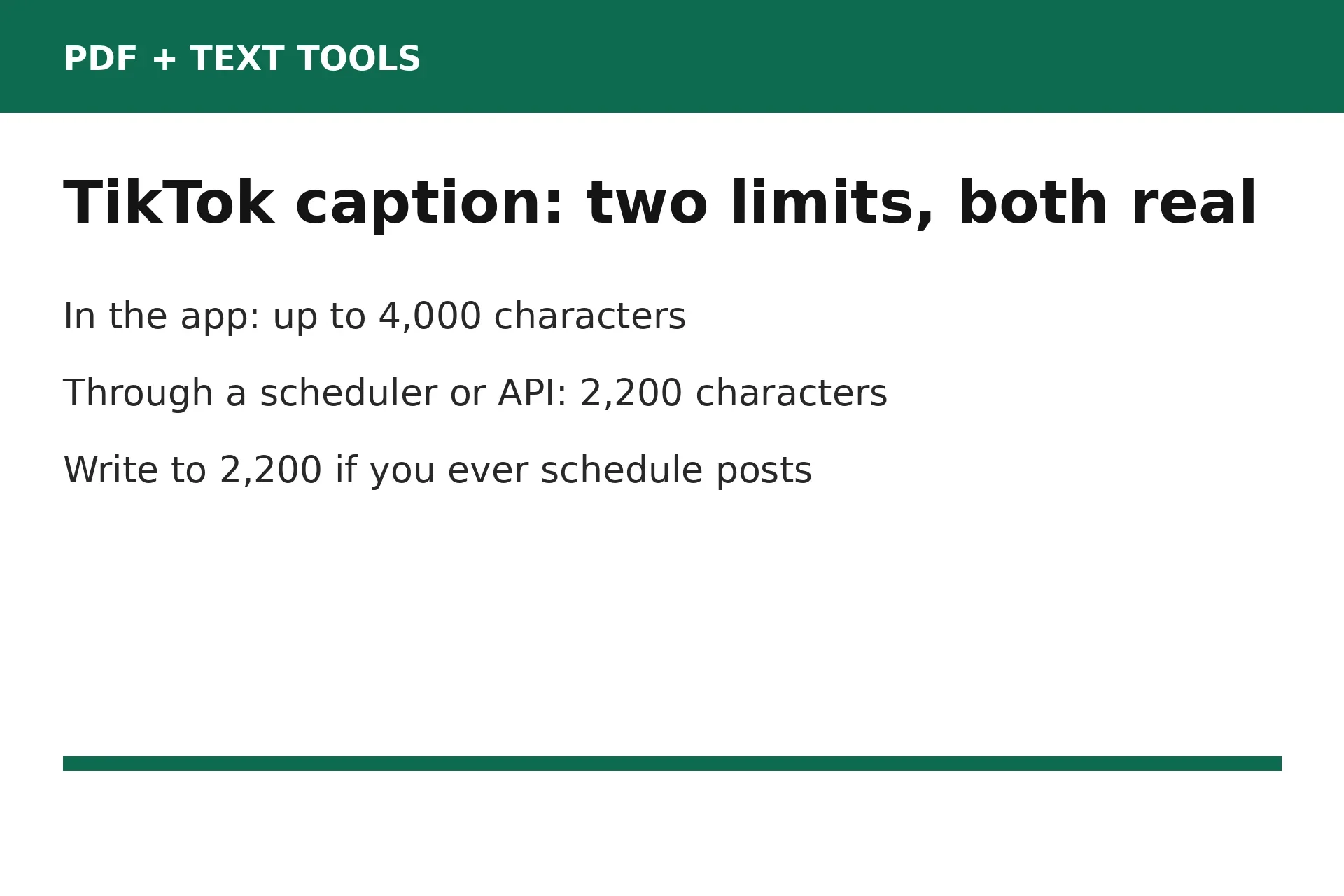
Search for the TikTok caption limit and you will find two answers, 4,000 and 2,200, stated with equal confidence. Neither is wrong. They measure two different ways of posting, and most guides forget to say which one they mean.
The 4,000-character figure is the in-app limit. Type a caption directly in the TikTok app and it accepts up to about 4,000 characters, hashtags and mentions included. The 2,200-character figure is the limit TikTok documents for its Content Posting API, the route scheduling tools use to publish for you. A caption longer than 2,200 characters gets trimmed or rejected on a schedule, even though it would have fit in the app.
This split explains the most common caption complaint: a creator queues a long caption and later finds the ending missing. Nothing was wrong with the caption. It was written for one limit and posted under the other. If you schedule anything, even sometimes, treat 2,200 as your ceiling for every caption.
TikTok publishes no single chart of all its limits, and its Help Center lists no in-app caption number. That gap is why the two figures keep circulating side by side. Below, each figure is flagged where TikTok publishes no number for it.
Captions: what counts and what viewers see
Everything in the caption box counts: words, hashtags, @mentions, emoji, and line breaks. A caption that looks short can run long once you add five hashtags and a call to action. Count the finished caption, not the first draft.
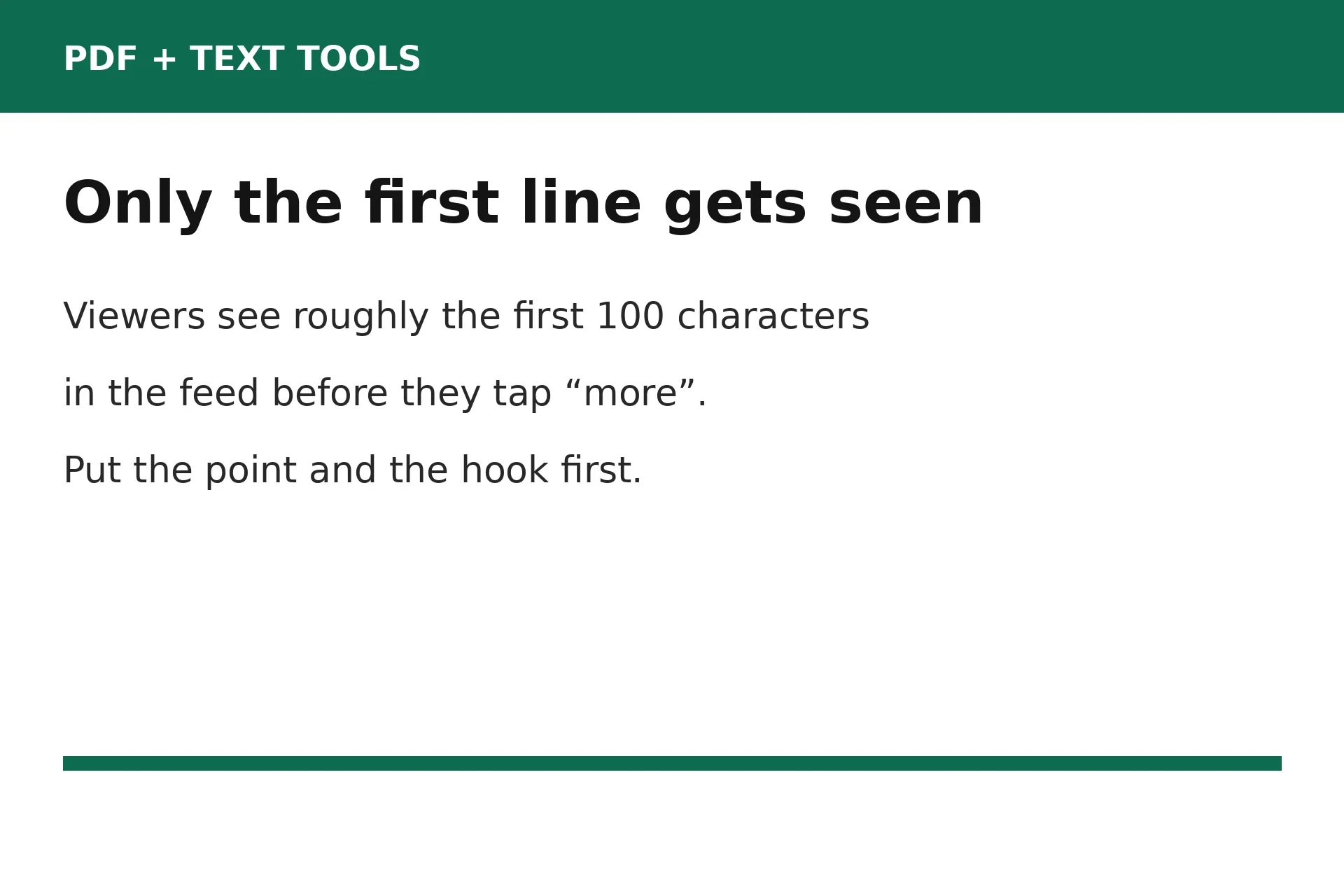
What viewers see is much shorter than the limit allows. In the feed, only roughly the first 100 characters show before TikTok hides the rest behind a "more" link. Some guides put that slice at 70 to 100 characters, others at 100 to 150. Either way, most viewers never tap to expand.
Hashtags count inside the caption limit, so a wall of them eats the room your words needed. A few relevant hashtags help people find the video. Twenty mostly help you run out of space. Links typed into a caption also do not open when tapped, so tell viewers where the link really is, usually "link in bio".
The 80-character bio
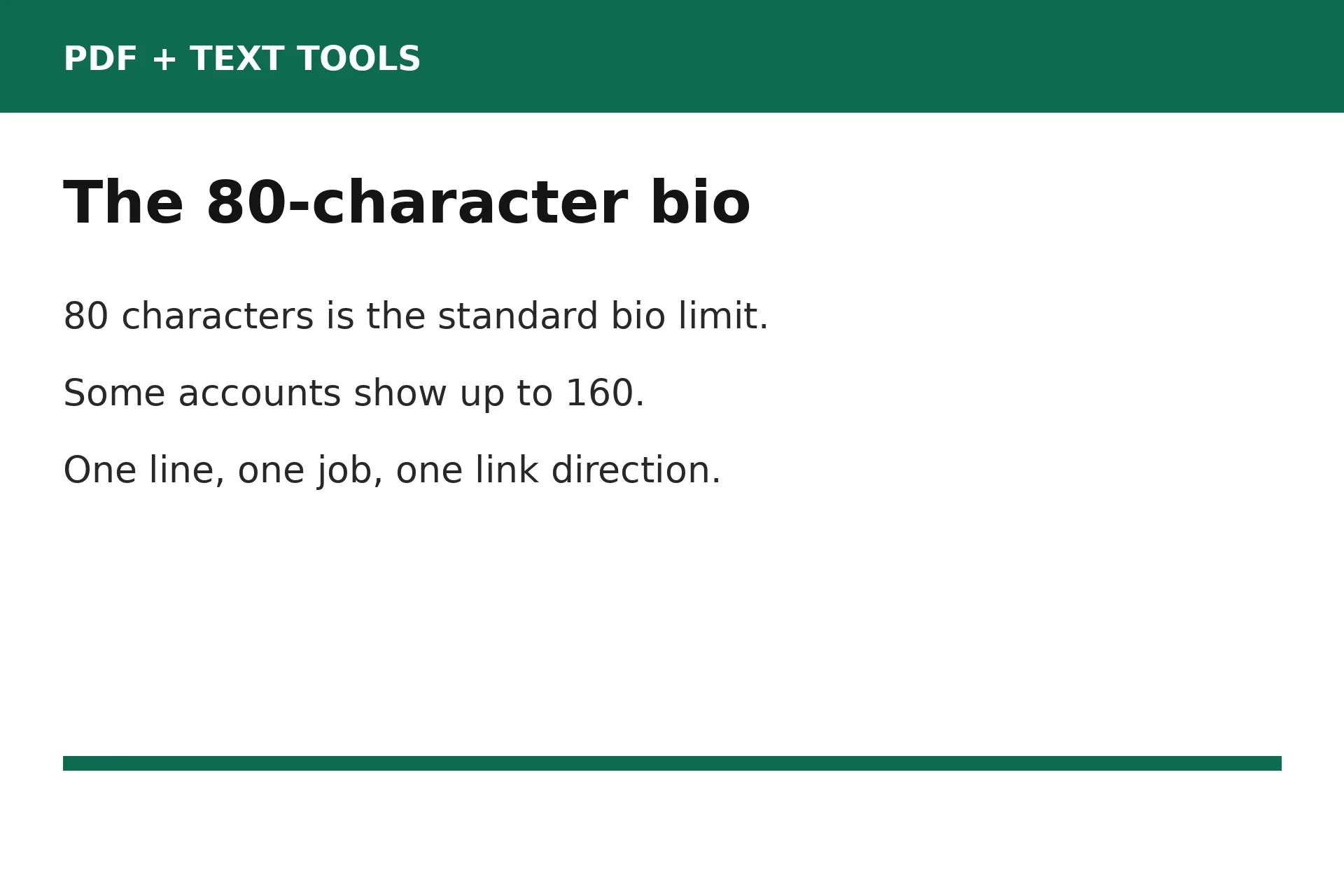
The bio is the tightest limit on TikTok, and the one that causes the most rewriting. The standard bio limit is 80 characters, about one short sentence or roughly twelve words. Some accounts now show up to 160 characters, but TikTok has not announced a universal change. Plan for 80.
Every character counts in a bio, including spaces and line breaks. Emoji usually count as one character each, though some count as two depending on encoding, so a bio packed with emoji can run out of room faster than expected. When a bio will not save, check the emoji first.
Fitting a bio into 80 characters takes cutting. Say who you are, say what viewers get, and point to the link. Drop filler words and anything the videos already show. A bio like "Easy weeknight recipes. New video every Friday. Link below for the full list." fits and ends with a direction.
Check your own bio limit before you finalize one. Open your profile, tap Edit profile, and paste the bio in. Your account's own field settles the 80 versus 160 question in seconds.
Username and display name
Your username and your display name are two different fields. Your username is your @handle. It must run 2 to 24 characters, using letters, numbers, underscores, and periods, with no period at the end. It also forms your profile address, so changing it changes your profile link everywhere you have shared it.
Your display name, which TikTok also calls your nickname, is the larger name shown on your profile and beside your videos in the feed. It holds up to 30 characters, and it can carry words your username cannot, such as a space between first and last name.
Both fields have change limits that make a careless choice expensive. You can change your username only once every 30 days, and your display name only once every 7 days. Pick a username you can live with for a month, and check it reads clearly before you commit.
TikTok lets you add a website link to your profile once you have at least 1,000 followers or a Verified Business Account. Below that threshold, your bio text is your only pointer.
Comments, messages, and photo posts
Comments are short by design, about 150 characters for a top-level comment and a reply alike. TikTok does not publish a comment limit in its Help Center, so treat 150 as the widely reported figure and keep replies well under it.
Direct messages run longer, about 1,000 characters per message, again widely reported rather than published. Photo posts carry their own limits: a title up to 90 characters, a description up to 4,000, and alt text of 300 characters per photo. Alt text describes the photo for viewers who cannot see it, so write a plain description, not hashtags.
| Field | Limit | Notes |
|---|---|---|
| Video caption, in the app | 4,000 characters | Hashtags and emoji count |
| Video caption, via scheduler or API | 2,200 characters | TikTok Content Posting API |
| Bio | 80 characters | Some accounts show 160; plan for 80 |
| Username | 2 to 24 characters | Change every 30 days |
| Display name | Up to 30 characters | Change every 7 days |
| Comment | About 150 characters | Widely reported, not published |
| Direct message | About 1,000 characters | Widely reported, not published |
| Photo post title | 90 characters | Photo posts only |
| Photo post description | 4,000 characters | Same as in-app video caption |
| Photo alt text | 300 characters per photo | Plain description of the image |
Count your draft before you post
Counting by eye fails on TikTok fields because spaces, line breaks, and emoji all count, and people forget at least one of them. Paste the finished draft into a counter before you paste it into TikTok.
Open the free Character Counter, paste your caption or bio, and watch the count update live as you type. The tool shows characters with spaces and without spaces. TikTok counts spaces, so use the with-spaces count for TikTok fields.
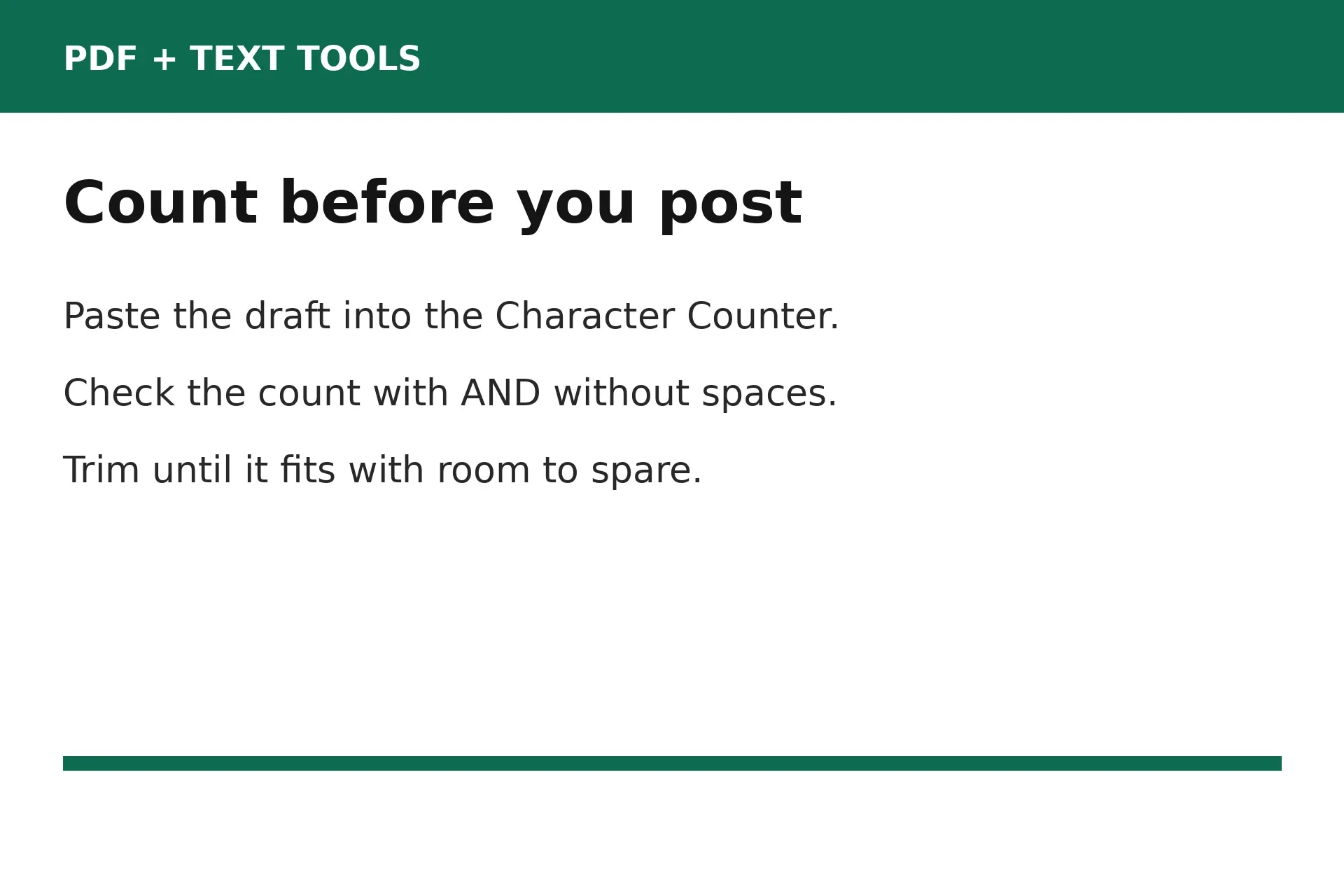
Leave a small margin under every limit. A caption at exactly 2,200 characters has no room for a last-second hashtag, and a bio at exactly 80 breaks the moment TikTok counts an emoji as two. Aim for 10 to 20 characters under on captions, and a few under on bios.
For a caption, count the hook line on its own first, then the full caption with hashtags. If the hook runs past about 100 characters, rewrite it before worrying about the rest. For a bio, count it, paste it into TikTok's Edit profile screen, and save it once as a test. A saved bio is proof.
Common mistakes and fixes
Scheduling a caption written for the app limit. Fix it by writing every caption to 2,200 characters or fewer whenever a scheduler might touch it. If a scheduled caption lost its ending, shorten it to 2,200 and repost.
Burying the hook below the fold. Fix it by moving the point into the first 100 characters. Open with the question or the reason to watch, and move background detail underneath.
Filling the caption with hashtags. Fix it by keeping a few relevant hashtags and deleting the rest. Each one costs characters and attention.
Writing a bio that will not save. Fix it by counting spaces, line breaks, and emoji, then cutting filler words first. If it still will not save at 80, check your account's own bio field, since some accounts allow 160.
Pasting a link into a caption and expecting a tap. Fix it by putting the link in your profile link field and pointing to it from the caption with "link in bio". Caption links are plain text.
Frequently asked questions
What is the TikTok caption character limit?
A TikTok video caption holds up to 4,000 characters when typed in the app, and 2,200 characters when posted through a scheduler or the Content Posting API. Write to 2,200 if you ever schedule posts, so the same caption works both ways.
How many characters can a TikTok bio be?
A TikTok bio holds 80 characters on most accounts. Some accounts show up to 160 characters, but TikTok has not announced a universal change, so plan for 80 and check your own Edit profile screen.
What is the TikTok comment character limit?
A TikTok comment holds about 150 characters, for top-level comments and replies alike. TikTok does not publish a comment limit in its Help Center, so treat 150 as the widely reported figure and keep replies short.
How many characters are in a TikTok username?
A TikTok username runs 2 to 24 characters, using letters, numbers, underscores, and periods, with no period at the end. You can change it only once every 30 days, and changing it changes your profile link.
How much of a TikTok caption do viewers see before tapping more?
Viewers see roughly the first 100 characters of a caption in the feed before the rest hides behind a "more" link. Put your hook, promise, or call to action in the first sentence so it is seen even without a tap.
Do hashtags count toward the TikTok caption limit?
Yes. Hashtags, @mentions, emoji, spaces, and line breaks all count inside the caption limit. Count the finished caption with hashtags included, and keep hashtags to a few relevant ones so they do not eat the room your words need.
Try the free tool
Take the next caption you plan to post and count it before TikTok does. Paste it into the counter, read the with-spaces count, and trim it until it fits how you will post it: 2,200 if a scheduler is involved, 4,000 by hand. Then check the first line. If the hook fits in about 100 characters, the caption is ready.
When you are ready, open the free Character Counter, paste your draft, and check the count with and without spaces. For longer drafts, the free Word Counter shows words and reading time, and our guide to Instagram and X character limits covers the two platforms creators most often post alongside TikTok.
How we tested this: we compared current guides on TikTok limits, including the Replug guide tracing each figure to TikTok Help or the Content Posting API, and the OmniSocials check from October 17, 2026 separating the 4,000-character in-app caption from the 2,200-character scheduled caption. We read the Character Counter tool page to confirm it counts characters with and without spaces live as you type. No TikTok account was used, because the limits were checked against published documentation, not by posting.
Privacy note: the Character Counter tool needs no account and no signup. Your draft is counted in your browser, not sent to a server.
Last updated: November 9, 2026