Word Count vs Character Count: Which Limit Applies to You?
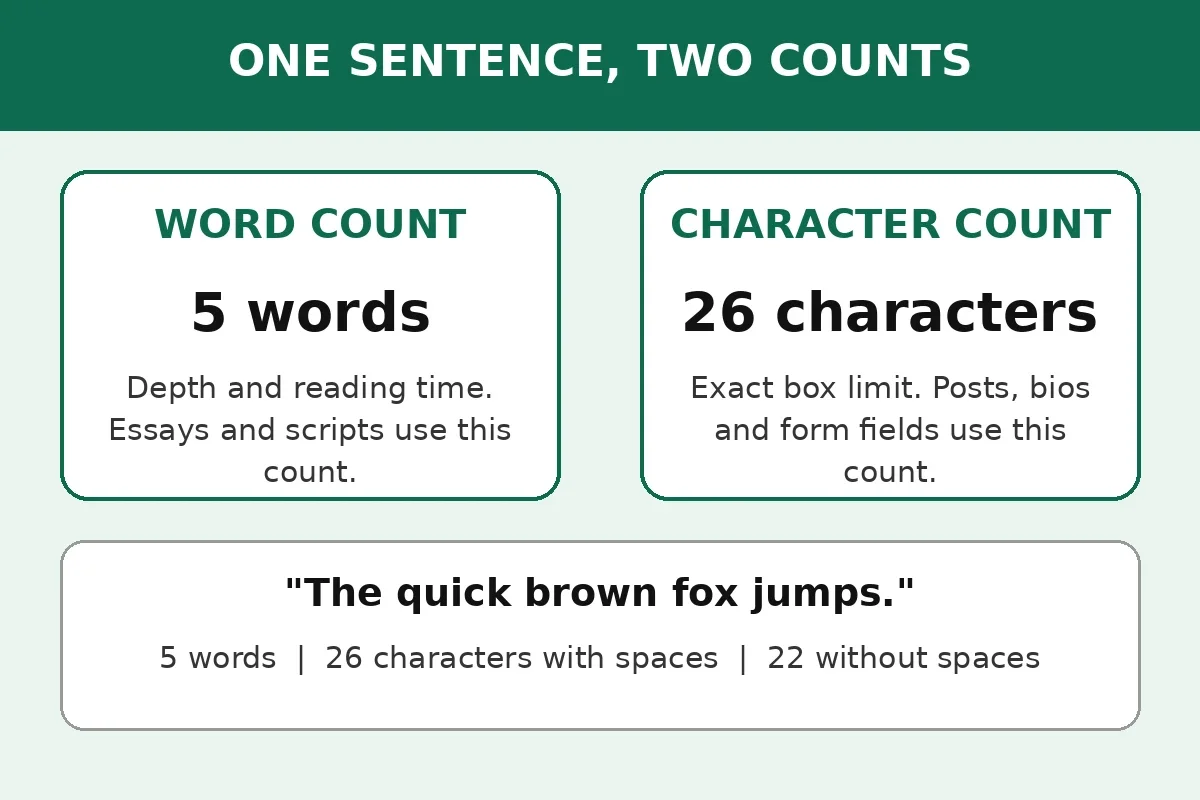
Characters count every letter, number, space, and punctuation mark. Words count blocks of letters separated by spaces. "The quick brown fox jumps." is 5 words but 26 characters with spaces and 22 without. Use words for essays and speeches, characters for bios, captions, and forms with a character limit.
Try it live
Paste your text into the Word Counter and watch the word and character counts update as you type. No signup, nothing uploaded.
A form says 500 words. A bio box says 150 characters. A post stops you at 280. All three are length limits, but they do not measure the same thing, and checking the wrong one is an easy way to get a draft rejected or cut off mid-sentence. This guide shows you which count each kind of limit uses, how spaces and punctuation change the number, and how to check both counts in one paste.
Quick answer
Use the count the limit names. Word count controls essays, assignments and scripts, because it tracks depth and reading time. Character count controls posts, bios and form fields, because the box stops at an exact number of letters, spaces and symbols. When a limit does not say which one it is, check both before you submit.
What each count actually measures
Word count is a count of words. A word is usually a run of letters separated by spaces, so "The quick brown fox jumps." is 5 words. Character count is a count of every single character: letters, numbers, spaces, punctuation marks and symbols. That same sentence is 26 characters with spaces and 22 without spaces, because the four spaces between the five words add four to the total.
That example shows why the two numbers behave so differently. A sentence with long words can have a low word count and a high character count. A sentence full of short words can have a high word count and a modest character count. Two drafts that look about the same length on screen can sit on opposite sides of a limit, depending on which measure the limit uses.
Word count answers "how much have you said?" Character count answers "how much space does it take up?" An essay marker cares about the first question. A bio box, a post composer and a form field care about the second, because they have a fixed amount of room and stop accepting text when it runs out.
The decision table: which count for which task
Find your task in this table, then check the count in that row. When a task appears in both worlds, the limit wording for that exact field decides, not the general habit for the task type.
| Task | Count to check | Why |
|---|---|---|
| School or university essay | Words | Assignments set word limits to judge depth and reading time |
| College application essay | Words | The Common App personal essay runs from 250 to 650 words |
| Speech or video script | Words | Speaking time follows word count, not character count |
| Social media post | Characters | Platforms cap posts by characters, such as 280 on X |
| Profile bio | Characters | Bios cap by characters, such as 150 on Instagram |
| Online form field | Characters | Form fields usually cap by characters, including spaces |
| Meta title | Characters | Titles display in full near 50 to 60 characters |
| Meta description | Characters | Snippets are cut to fit the screen, commonly near 155 characters |
The pattern is simple. Long-form writing uses words. Short, boxed-in writing uses characters. A cover letter sits between the two, which is why it causes confusion: a posting may ask for a certain word length, while the form holding it caps the box by characters. In that case the box wins, because the box is what stops you from submitting.
When word count is the right measure
Word count fits any writing where the reader judges how much you said. School essays, university assignments, journal articles and reports all fall here. A 500-word essay takes roughly the same reading time whether your words are short or long, which is why markers and editors prefer words: the number tracks the reader's time and the writer's coverage in a way characters never quite do.
College applications are the clearest example. The Common App personal essay must run between 250 and 650 words, and the application itself enforces that range. A student who counts characters instead of words for that essay is measuring the wrong thing entirely. A 650-character essay would be barely a paragraph, far short of the 250-word minimum.
Scripts work the same way. Reading time and speaking time both follow word count. A common planning figure for adult reading in a first language is 200 to 250 words per minute, so 500 words reads in about two to two and a half minutes. That figure is an estimate for planning, not a promise about any one reader. If you are planning a speech, read our guide on how many words a 5-minute speech needs for the full table.
When character count is the right measure
Character count fits any box with a fixed amount of room. Social posts, bios, captions and form fields all live in boxes, and the box decides the limit in characters. An X post for a standard account holds 280 characters, spaces included. An Instagram bio holds 150 characters, with letters, spaces, line breaks and emoji all counting toward the total. An Instagram caption holds up to 2,200 characters, but only about the first 125 show before the "more" cut.
Search snippets follow the same logic in a softer form. Google sets no hard limit on a meta description, and says its snippet is cut as needed to fit the device width, so a description near 150 to 155 characters usually shows in full while a longer one gets cut mid-sentence. A meta title near 50 to 60 characters behaves the same way. These are display targets, not hard caps, but the count that matters is still characters. You can read Google's own wording in the Google Search Central snippet guidance.
Form fields are the quiet trap. A job application or grant form may say "maximum 1,000 characters" in small text under the box, and the box may simply stop accepting letters when you reach it. Writers who paste a 1,000-word answer into a 1,000-character box lose most of their text. Writers who check the character count first see the problem before they paste, when it is still cheap to fix.
Do spaces count in a character count?
Usually yes, and that is the single most common counting mistake. Most platform and form character counts include spaces, because a space takes up room in the box just like a letter does. If a bio allows 150 characters and your bio has 140 letters plus 20 spaces, it is 160 characters and it will not save, even though the letters alone fit.
Some limits count characters without spaces instead, and some form instructions say "characters excluding spaces" outright. That is why a good counter shows both numbers side by side. The Word Counter and Character Counter tools on this site both show that breakdown.
When the limit does not say either way, use the count with spaces. It is the larger number, so a draft that fits with spaces will also fit without spaces, while the reverse is not true. Line breaks need the same care: a line break counts as a character in most counters and in most platform boxes, so a bio with several short lines can run over its limit on line breaks alone.
Why two counters give different numbers
Two honest counters can disagree on the same text. The biggest cause is hyphenated words: one counter may treat "well-known" as one word and another as two. Apostrophes cause the same split, and numbers and symbols are counted by some tools and skipped by others.
Emoji and links add a platform twist. On X, a link of any length counts as 23 characters because the platform wraps it in a short link, and most emoji count as two characters under the platform's weighted rules, even though a plain counter counts each as one. A draft that fits in a plain counter can therefore run over on X, and the only count that settles the question is the composer on X itself.
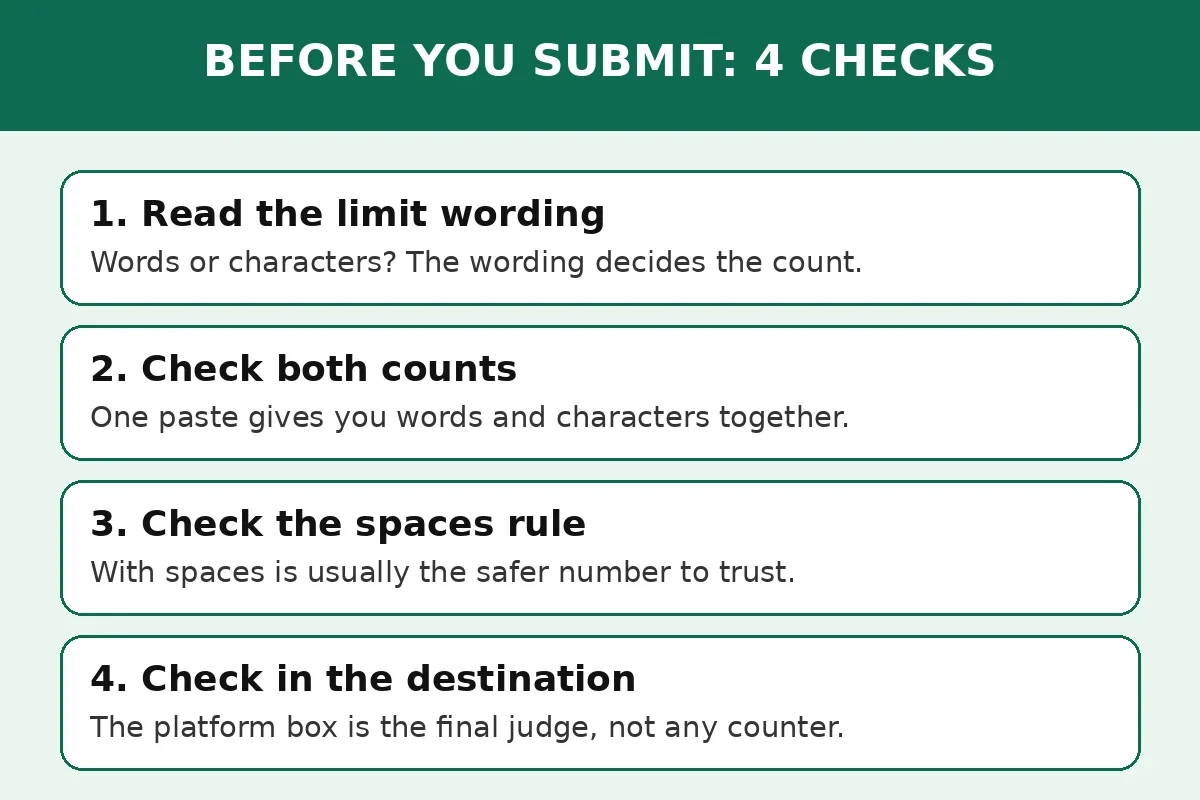
Copying text between programs causes the last kind of difference. A word processor, a browser counter and an application portal can each count the same essay slightly differently, because they handle hyphenation, smart quotes and line breaks in their own ways. For a hard limit, check the count in the place that will enforce it, and leave a little margin under the limit to cover the gap.
How to check both counts in one paste
You do not need two tools or two passes. One paste into the Word Counter on this site shows words, characters, sentences, paragraphs and reading time together, and the Character Counter shows characters with and without spaces plus words, sentences and reading time.
- Paste your finished text, not a rough draft. A count taken halfway through editing will be wrong by the time you submit.
- Read the number your limit names first. If the limit says words, read the word count. If it says characters, read the character count, and check whether spaces are included.
- Read the other count as a cross-check. A text that must fit both a word limit and a character box needs both numbers to pass.
- Leave a small margin under a hard limit. Aim a few characters or a few words under the cap, so a counter difference or a pasted line break cannot push you over.
- Do a final check in the destination. Paste into the form, the composer or the portal and watch its own counter. If its number disagrees with yours, trust the destination and trim there.
Common mistakes and fixes
Most length-limit failures are small and fixable. Check this table before you submit.
| Mistake | What goes wrong | Fix |
|---|---|---|
| Checking words for a character limit | A 500-word post looks fine and runs far past 280 characters | Read the limit wording first, then check the matching count |
| Forgetting spaces in a character count | A bio that looks short will not save | Use the characters-with-spaces number unless the limit says otherwise |
| Converting words to characters by guesswork | Long words make the estimate wrong by hundreds of characters | Count the real text instead of converting |
| Trusting a general counter over the platform | Emoji and links count differently on X than in a plain counter | Do the final check in the platform composer |
| Counting a rough draft | Edits after the count change the number you submitted | Count the finished version, after the last edit |
| Cutting words to fix a character overrun | Removing short words barely moves a character count | Cut long phrases and filler words first, then recount |
The pattern behind all six is the same: the limit, not the habit, decides the count. Read the limit, check the matching number, and confirm it in the destination.
Frequently asked questions
What is the difference between word count and character count?
Word count counts words, while character count counts every letter, number, space, punctuation mark and symbol. The sentence "The quick brown fox jumps." has 5 words, 26 characters with spaces and 22 without spaces. Essays use words, and posts, bios and form fields use characters.
Do spaces count in a character count?
Usually yes. Most platforms and form fields count spaces, because a space takes up room in the box like any other character. Some limits say "excluding spaces" outright, and then you should use the without-spaces number. When the limit does not say, use the with-spaces number, since it is the larger and safer figure.
Is a 500-word essay the same as 500 characters?
No, not even close. A 500-word essay runs to roughly 3,000 characters with spaces, because each word averages around five to six characters plus a space. A 500-character text is only about 80 to 100 words. Mixing the two up is one of the fastest ways to miss a limit badly.
Should I use word count or character count for a social media post?
Use character count. Social platforms cap posts, bios and captions by characters, not words. X allows 280 characters per standard post, and Instagram allows 150 characters in a bio. Check the character count for the exact field you are writing, and check it in the platform composer before posting.
Why does my word count differ between Word and an online counter?
Counters disagree on edge cases such as hyphenated words, apostrophes, numbers and standalone symbols, and they handle line breaks differently. The gap is usually small, a few percent. For a hard limit, trust the counter in the place that enforces the limit, and leave a small margin under the cap.
How do I check both counts at once for free?
Paste your text into the free Word Counter on this site. It shows words, characters, sentences, paragraphs and reading time in one view, with no signup. The Character Counter shows the same text counted with and without spaces. Check the number your limit names, then read the other number as a cross-check.
Try the counter free
Stop guessing which count your limit wants. Open the free Word Counter, paste the text you plan to submit, and read both numbers before you send it. If your limit counts characters without spaces, open the Character Counter for that breakdown in the same paste.
How we tested this: we read the Word Counter and Character Counter tool pages on this site and confirmed they show words, characters with and without spaces, sentences, paragraphs and reading time live as you type, with no signup. We checked the Common App range against the University of Rochester guidance on college application essays, which states the 650-word maximum, and the snippet behaviour against Google Search Central.
Privacy note: the counters on this site need no account and no signup. Your text is processed in your browser, so an essay, application answer or draft post never travels to a server to be counted.
Last updated: October 28, 2026
Related tools and guides
Word Counter
Count words, characters, sentences and reading time in one paste, free and in your browser.
Use tool →Character Counter
Measure characters with and without spaces for bios, posts and form fields.
Use tool →Instagram and X Character Limits
The exact character caps for posts, bios, captions and comments, in one list.
Read article →